Download gratuito de família de fontes
Neura Display
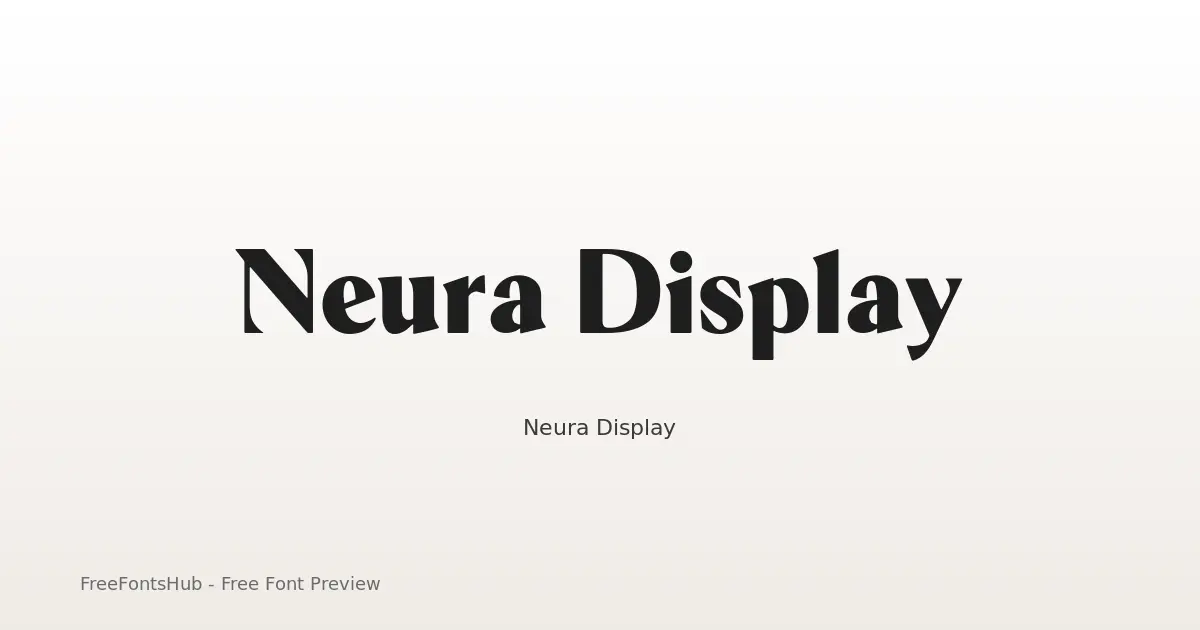
Neura Display is a high-contrast hybrid typeface designed for a futuristic, editorial aesthetic. By stripping traditional serif "feet" (nails and foots) while retaining elegant half-serif terminals and rounded corners, it bridges the gap between scientific precision and luxury fashion. It is a sans-serif font at its core, but these unique terminal treatments provide a "serif-ish" vibe that makes it stand out in tech, AI, and high-end branding contexts.
Sobre a fonte Neura Display
Neura Display is a high-contrast hybrid typeface designed for a futuristic, editorial aesthetic. By stripping traditional serif "feet" (nails and foots) while retaining elegant half-serif terminals and rounded corners, it bridges the gap between scientific precision and luxury fashion. It is a sans-serif font at its core, but these unique terminal treatments provide a "serif-ish" vibe that makes it stand out in tech, AI, and high-end branding contexts.
Estilos nesta família: Black, Bold, ExtraBold, ExtraLight, Light, Medium +3 a mais. Visualize cada peso nesta página e depois baixe o pacote completo de Neura Display.
Estilos disponíveis
Visualizar cada pesoBlack
Bold
ExtraBold
ExtraLight
Light
Medium
Regular
SemiBold
Thin


Use ← → para os estilos, + − para o zoom, role para ampliar, Esc para fechar
Como usar Neura Display
- Baixe o ZIP de Neura Display (9 estilos, TTF + readme).
- Descompacte e instale as fontes de desktop (TTF/OTF) no Windows, macOS ou Linux.
- Para uso na web, prefira WOFF2/WOFF quando incluídos; mantenha TTF/OTF como fallback.
- Siga SIL Open Font License (OFL 1.1) antes de publicar comercialmente.
Licença e atribuição
Licença: SIL Open Font License (OFL 1.1)
Sempre confira o readme.txt incluído e a licença original antes do uso comercial. O FreeFontsHub oferece empacotamento e descoberta; os direitos permanecem com o designer ou a fundição.
Permissão de incorporação: installable
Perguntas frequentes
Neura Display é gratuita?
Sim, você pode baixar Neura Display grátis nesta página. Siga a licença para o uso permitido.
O que está incluído no ZIP?
O ZIP inclui todos os arquivos de estilo disponíveis de Neura Display (TTF) mais um readme com dados do designer, da fundição e da licença.
Quem criou Neura Display?
Desenhada por Yasir Ekinci.
Posso usar comercialmente?
O uso comercial de Neura Display depende de SIL Open Font License (OFL 1.1). Revise a licença nesta página e dentro do ZIP antes de projetos comerciais.